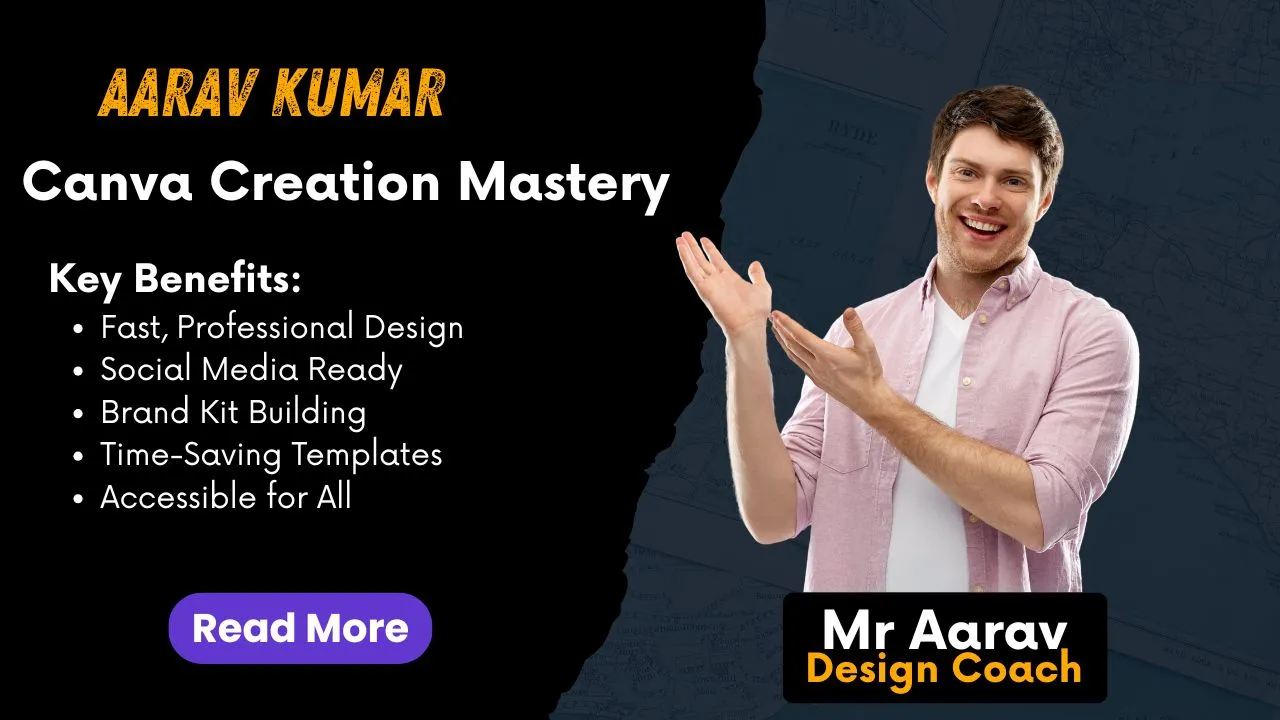
About Course
Design Like a Pro — No Experience Needed!
🚀 Create Stunning Designs with Ease Using Canva
Whether you’re a beginner, entrepreneur, or content creator — Canva is your all-in-one tool for design. In this Canva Creation Mastery course, you’ll learn how to create professional-quality graphics, videos, and branding content using simple drag-and-drop tools — all without any technical or design background.
🧠 What You’ll Learn
✅ Introduction to Canva Interface & Design Tools
✅ Choosing the Right Templates for Every Purpose
✅ Designing Instagram Posts, Stories & Reels Thumbnails
✅ Creating YouTube Thumbnails & Channel Art
✅ Business Cards, Resumes & Logo Design
✅ Animated Graphics & Short Video Editing
✅ Branding Kits: Color Palette, Fonts & Logos
✅ Tips for Creating Client-Ready Designs
✅ Smart Hacks for Time-Saving Workflows
✅ Downloading & Sharing in Multiple Formats
🎯 Who Is This Course For?
-
Beginners & Non-Designers
-
Social Media Managers
-
Digital Marketers
-
Small Business Owners
-
Freelancers & Influencers
-
Students & Creators
📁 Course Format
-
🎥 Easy-to-Follow Video Lessons
-
🧩 Practice Projects with Templates
-
💡 Hands-on, Practical Learning
-
📜 Certificate of Completion
-
📦 Access to 100+ Premium Canva Templates
-
🔁 Lifetime Access
🏆 Course Benefits
✅ Save Time & Money by Creating Your Own Designs
✅ Build Professional Brand Presence
✅ Sell Your Designs as a Freelancer
✅ Impress Clients, Employers & Followers
✅ Learn the Design Thinking Process
✅ Create a Portfolio Without Any Software Skills
⏳ Course Duration
9+ Modules | 40+ Video Lessons | Self-paced Learning
🎓 Certificate
Get a Recognized Certificate on course completion to showcase your design skills in your resume or LinkedIn profile.
💬 Student Review
“I always thought design was difficult — until I joined this course. Now I manage my brand’s social media and even started taking freelance Canva work!”
— Sneha Joshi, Content Creator & Freelancer
💰 Course Fee: ₹___ (set your price here)
🛒 Enroll Now | 🎁 Bonus Templates & Design Hacks Included
Course Content
Introduction to Canva Interface & Design Tools
Choosing the Right Templates for Every Purpose
Designing Instagram Posts, Stories & Reels Thumbnails
Creating YouTube Thumbnails & Channel Art
Business Cards, Resumes & Logo Design
Animated Graphics & Short Video Editing
Branding Kits: Color Palette, Fonts & Logos
Tips for Creating Client-Ready Designs
Smart Hacks for Time-Saving Workflows
Downloading & Sharing in Multiple Formats
Student Ratings & Reviews